
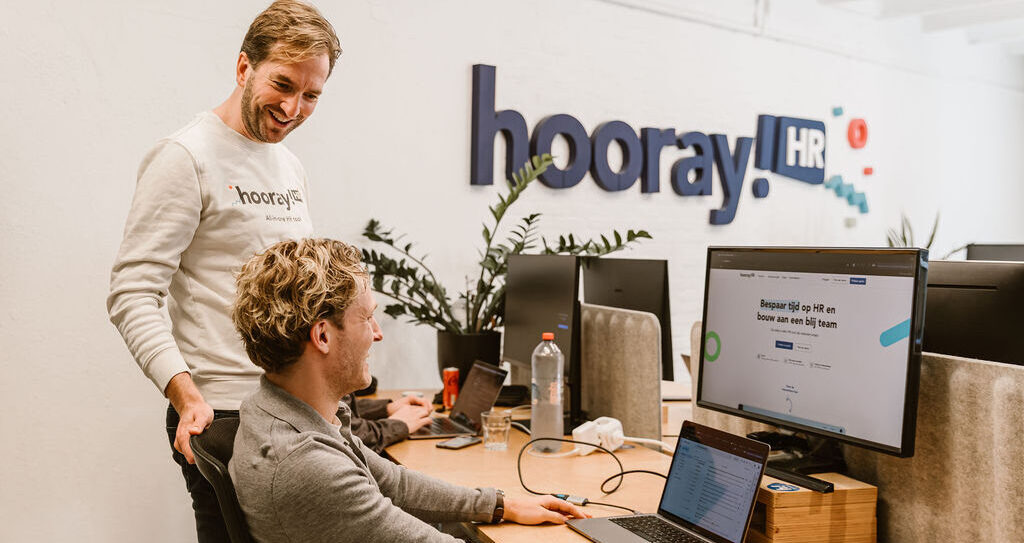
A personnel management system is the central place where you run your HR administration: employee data, documents, contracts, leave, absence and the tasks around onboarding and offboarding. Instead of switching between spreadsheets, email and shared drives, everyone works from one source of truth. For SMEs with 10 to 500 employees, it is usually the first step towards HR software that saves time every week.
When do you need a personnel management system?
You need a personnel management system as soon as HR tasks start repeating and information gets scattered. The signs are small at first: you keep looking for the latest version of a contract, you ask an employee for the same details twice, or team leads keep their own lists because there is no shared overview.
A personnel management system already pays off at around ten employees, especially with part-timers, fixed-term contracts or more than one location. The earlier you add structure, the less you need to clean up later. If you still manage this in spreadsheets, our article on HR administration in Excel shows where it usually goes wrong.
Example: a team of 35 people
Picture a company with 35 employees, eight of them on fixed-term contracts. Contracts live in a shared folder, leave in a spreadsheet and sick days in someone’s inbox. When a contract expires, nobody gets a reminder, and when a manager asks how many days of leave someone has left, HR has to check two files. A personnel management system puts all of this in one employee file with automatic reminders, so the question takes seconds instead of half an hour.
Which features should a personnel management system have?
A good personnel management system covers the HR tasks you handle every week, without turning setup into a project. These are the core features almost every SME needs:
- Digital employee file with documents, contracts and key agreements in one place
- Leave and absence tracking with a clear status and history
- Workflows for joiners, changes and leavers, plus contract management that alerts you before contracts expire
- Tasks and reminders, so nothing falls through the cracks
- Clear reports, for example on leave balances and contracts
- Roles and permissions, so everyone sees exactly what they need
Why spreadsheets stop working
Spreadsheets feel practical until several people update them at once. Versions start to differ, attachments go missing and there are no automatic alerts when a contract ends. Adding a separate leave app does not fix this either, because the data stays split. A personnel management system brings everything together.
What are the pros and cons of a personnel management system?
A personnel management system brings calm and structure, but it only works if you set it up with care. Weigh both sides before you choose.
Advantages of a personnel management system
- One source of truth for employee data and documents
- Less repetitive work thanks to workflows for onboarding and contract renewals
- Self-service for employees, so HR answers fewer routine questions
- Better control over who can see personal data, which supports GDPR compliance
Disadvantages of a personnel management system
- Setup takes time: you need to clean up and migrate existing data
- Adoption stays low if you do not involve employees and managers
- A system that is too big for your company adds complexity instead of removing it
Common mistakes when choosing a personnel management system
The most common mistake is choosing on a feature list alone. Some companies pick a system that is too big, so nobody uses it and everyone falls back on old habits. Others pick one that is too small and have to switch again within a year.
- Focusing on exceptions instead of your standard process
- Not appointing an owner for setup and maintenance
- Migrating documents without cleaning them up first
- Skipping fixed moments to review and improve your setup
Start from your real HR processes: how do people join, move and leave, and who does what? Then begin with one process everyone recognises, such as storing documents centrally or requesting leave, and add the next one once it runs smoothly.
How our software works as a personnel management system
HoorayHR is all-in-one HR software for SMEs that you use as your personnel management system: employee files, documents, contracts, leave and absence in one place. You set up your processes the way you already work, only central and digital.
A strong first step is getting your employee files in order. In our digital employee file you store documents securely, find everything straight away and see at a glance what is complete. With HR workflows you turn onboarding and contract renewals into fixed task lists with reminders. Do you already use payroll or accounting software? Check our integrations.
A personnel management system grows with your company: you start with the basics and switch on extra modules, such as onboarding or reviews, when your team is ready for them.
What is the difference between a personnel management system and HR software?
A personnel management system is the core of HR software and focuses on employee data, files and processes. HR software is broader and also covers areas such as performance, development and reporting. In practice, many SMEs start with the personnel management system and expand from there.
From how many employees is a personnel management system useful?
A personnel management system is often useful from around ten employees, especially with fixed-term contracts, part-timers or several teams. It prevents information from getting scattered and saves time searching for documents.
How long does it take to implement a personnel management system?
It depends on how much you want to set up and how much data you bring along. If you start with employee files and a few standard processes, you can go live quickly and add more later.
What should I look for in terms of security and privacy?
Look at roles and permissions, secure document storage and a clear structure for personal data. You also want to see quickly who has access to what, which helps you work in line with the GDPR. Our tips for GDPR-proof HR administration help you get started.
Can a personnel management system grow with my company?
Yes. A good personnel management system grows with you without having to rebuild it. You activate extra features, such as onboarding workflows or reviews, as soon as your organisation needs them.

Written by
Ramon Glebbeek
Expert in HR
Ramon is a true expert in HR, thanks in part to his many years of experience at HoorayHR. With a passion for writing relevant blog posts and knowledge articles about HR, onboarding, performance management, and more, he offers a unique perspective on challenges and opportunities in the field. As an experienced human resources professional and content writer, Ramon is happy to share tips to help you save time on HR tasks and build a Great Place to Work.