
Meeting Agent
Focus on the conversation. AI does the follow-up.
Stop taking notes by hand. The Meeting Agent in HoorayHR records and transcribes your meeting, then instantly creates a summary with action points.
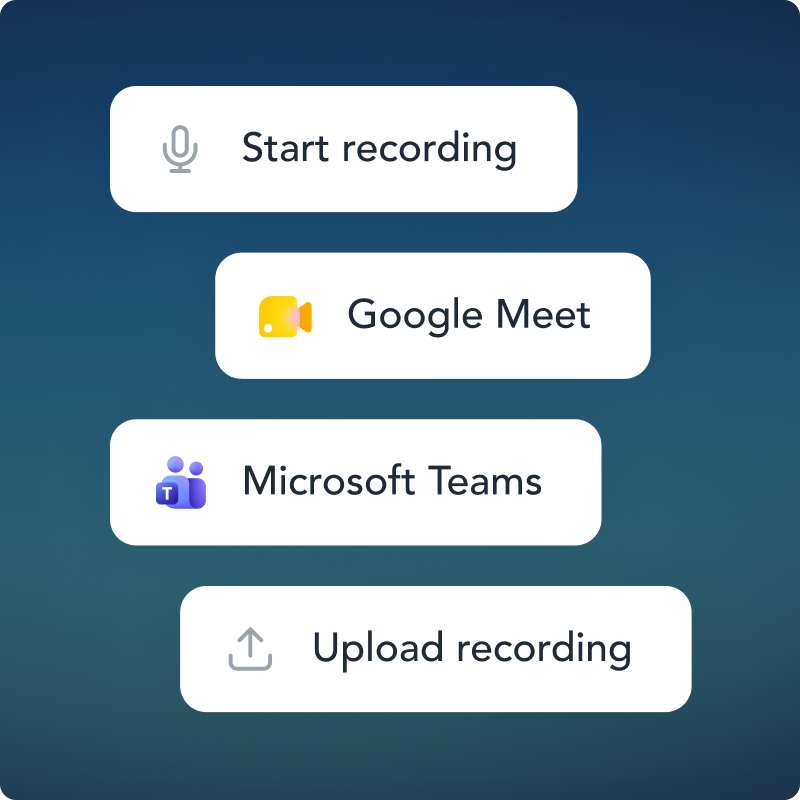
- Records in our app, Google Meet or Teams
- AI summary and action points right away
- Directly linked to your meeting in HoorayHR
No more distraction from taking notes by hand
The Meeting Agent records your conversation, transcribes it and creates a summary with action points. Works via Google Meet, Teams, the app or an upload.

TRANSCRIPT
Never take notes again
After the recording, HoorayHR transcribes the conversation for you. The language follows the conversation, so you always have an accurate record.
- Automatic transcription after every meeting
- Transcripts in the language you spoke
- Or upload your own transcript

GOOGLE MEET & TEAMS EXTENSION
Automatically record conversations in your meeting
Install the HoorayHR browser extension for Google Meet or Microsoft Teams. The bot joins as a participant automatically and records the meeting.
- Joins automatically when your meeting starts
- Recording linked to the right meeting
- No extra steps, no hassle

AI SUGGESTIONS
Summary and action points ready when you're back
Based on the transcript, AI creates a summary and action points. You review, adjust and save, so your time goes into follow-up instead of admin.
- AI summary in the language of the conversation
- Assign action points straight to a participant
- Accept, edit or dismiss suggestions
Frequently asked questions about the Meeting Agent in HoorayHR
Everything you want to know about AI recording and transcription in HoorayHR.
The HoorayHR Meeting Agent is an AI assistant that automatically joins your video call, records the meeting, and then generates a transcription, summary, and action items. So you don’t have to write anything down during the conversation.
You install the HoorayHR browser extension for Google Meet via the Chrome Web Store. After a one-time connection with your HoorayHR account, the agent automatically joins as a participant when you start a relevant meeting. Afterwards, the agent sends the recording to the right meeting in HoorayHR, where AI generates the transcription and summary.
The Microsoft Teams integration is coming soon. In the meantime, you can record meetings via the app or upload an existing recording. Get in touch if you want to stay updated on the Teams launch.
Yes. Using the Recording button at the top of the meeting in HoorayHR, you upload an existing video or audio file, or a text transcript. AI then automatically processes the content and suggests a summary and action items.
HoorayHR uses an advanced speech-to-text engine optimised for Dutch and German. Quality depends in part on the audio quality of the recording. The language of the conversation is detected automatically.
The transcription automatically detects the language of the conversation. Dutch and German are fully supported. The AI summary and action items are generated in the language of the conversation.
Yes. The HoorayHR bot appears as a visible participant in the call. It’s clear to everyone that a recording is taking place. We recommend mentioning this at the start of the conversation.
Recordings and transcripts follow the same privacy rules as the rest of the meeting. For a private meeting, only participants have access. Admins and team leads cannot see the recording for private meetings.
Yes. The summary and action items AI generates are always suggestions. You can accept them as-is, adjust them, or dismiss them. You always stay in control of what ends up in the meeting.
The Meeting Agent is part of the Meetings functionality in HoorayHR and available on all plans. All you need is an active HoorayHR account and the browser extension for Google Meet.