
A time clock is a device or piece of software that employees use to record when they start work, take breaks and finish for the day, once with a punch card and today mostly via a terminal, an app or a QR code. A digital time clock stores every entry centrally and turns it into hour balances and overtime. For SMEs it is usually part of digital time tracking, so no separate hardware is needed.
What is a time clock?
A time clock is a way of tracking time in which employees actively clock in at the start and clock out at the end of their work. With the classic punch clock, you insert a card into a machine that stamps the time on it. Modern time clocks use a badge, a smartphone or a browser and send every entry straight to the software. The principle has not changed: clock in, clock out, done.
Time clock, punch clock and clock in system: the terms
A punch clock is the traditional machine with punch cards. A time clock terminal is its electronic successor, usually a wall-mounted device with a card or badge reader. A digital time clock, also called a clock in system, is software that runs in the browser and as an app, without a fixed device.
What types of time clocks are there?
There are four types of time clocks, and they differ mainly in where employees clock in and how the data is processed afterwards.
Types of time clocks at a glance
| Type | How employees clock in | Best for |
|---|---|---|
| Mechanical punch clock | Punch card, the time is stamped on it | Rarely used today, data has to be typed up |
| Electronic terminal | Badge, card or PIN at the device | Businesses with a fixed entrance and shifts |
| Time clock app | Start/stop timer on the smartphone | Field staff, remote work and changing locations |
| Web and QR code | Browser at the workplace or a scan on site | Offices and branches without their own hardware |
If your team works in shift work, a time clock helps you see who is present per shift and how many hours were worked.
How does a digital time clock work?
A digital time clock works like the classic punch clock, only without cards and without typing up the data. A typical workday looks like this:
- Step 1: Employees start the timer in the app in the morning or scan the QR code on site.
- Step 2: For a break, they stop the timer and start it again afterwards.
- Step 3: At the end of the day they clock out and the software calculates the hours worked.
- Step 4: The manager checks and approves the hours.
- Step 5: HR exports the approved hours for payroll.
Breaks, overtime and hour balance
A digital time clock automatically compares the clocked time with the agreed working hours. Any surplus or shortfall goes into the hour balance, which employees can view themselves. That prevents discussions at the end of the month.
Forgetting to clock in or out
With any time clock, someone will forget to clock out at some point. In a digital system, the employee corrects the entry and the manager approves the change. Every correction stays visible instead of ending up as a pen mark on a card.
What are the pros and cons of a digital time clock?
A digital time clock is more accurate and flexible than a classic punch clock, but it needs clear agreements within your team.
Pros of a digital time clock
- No hardware needed: employees clock in via app, browser or QR code
- Hours worked are available centrally right away, without typing up cards or lists
- Overtime and hour balances are calculated automatically
- Every correction is recorded and traceable
Cons of a digital time clock
- Employees without a work phone need an alternative such as the browser or a QR code
- Forgotten entries have to be corrected and approved afterwards
- Without open communication, clocking in quickly feels like being monitored
What should you look for in a time clock?
The right time clock fits the places where your team works and passes the data straight on to HR and payroll. Check these points in particular:
- Where do your employees clock in: at the entrance, at their desk, on the road or in several branches?
- Do you need hardware, or are an app, browser and QR code enough?
- Does the system also handle leave and sick leave, so hour balances add up?
- Is there approval by the manager and an export for payroll?
- Who can see which data, and is storage GDPR-compliant?
An example: a bakery with three branches and 30 employees is considering a terminal in each branch. With a QR code per branch and an app for the delivery drivers, the team clocks in just as reliably, without buying or maintaining devices. Rules on recording working time differ per country, so check the official government information where you operate.
Clocking in and out with HoorayHR
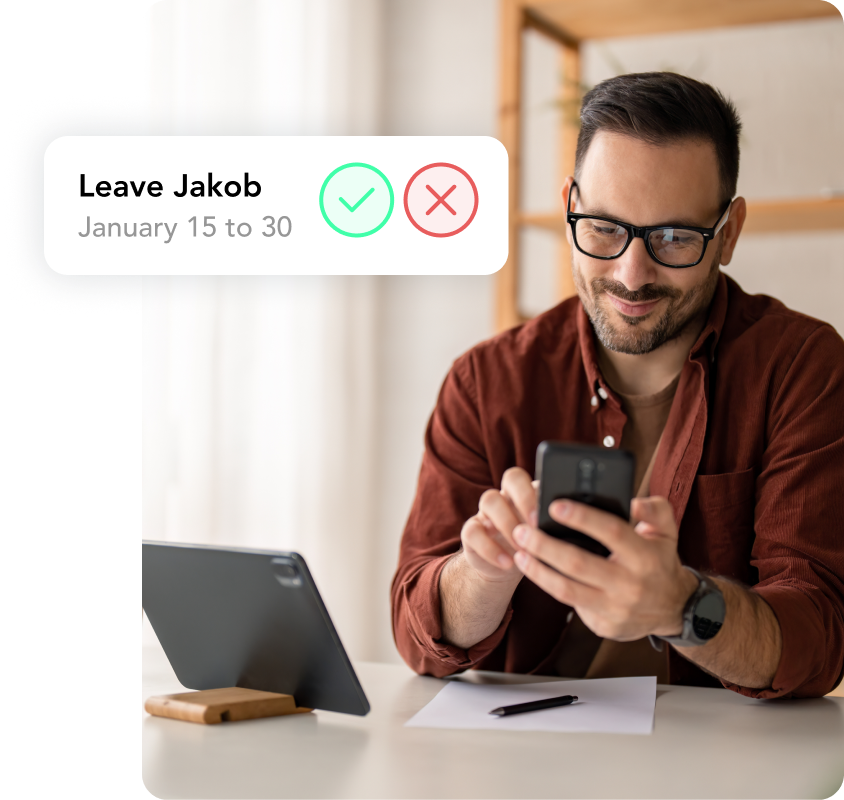
HoorayHR is all-in-one HR software for SMEs, in which time tracking works as a digital time clock. Employees start and stop their working time with the timer in the mobile app, on desktop or via a QR code on site. They add forgotten hours per day or per week and link hours to projects where needed.
We calculate overtime automatically and you set up allowances yourself. Managers approve the submitted hours, and HR reviews them per employee, team or period and exports them for payroll. Because leave and sick leave live in the same system, the hour balance is always complete.
The time clock has moved from a machine at the factory gate to an app in your pocket. What matters is that clocking in is so easy for your team that nobody forgets.
What is the difference between a time clock and a punch clock?
A punch clock is the classic form of a time clock, with punch cards and a machine in a fixed place. Time clock is the broader term and also covers badge terminals, apps and clocking in via a QR code.
How much does a digital time clock cost?
A digital time clock as software usually costs an amount per employee per month, without hardware costs. A terminal with badge readers also brings purchase and maintenance costs. You can find HoorayHR’s current prices on our pricing page.
Can employees clock in with their smartphone?
Yes, with a time clock app employees start and stop their working time directly on their smartphone. Anyone who prefers not to use a phone can clock in via the browser or a QR code on site.
What happens if someone forgets to clock out?
In a digital time clock, the employee corrects the entry afterwards and the manager approves the change. That keeps the record complete and every correction visible.
Is a digital time clock GDPR-compliant?
A time clock processes personal data, so the provider must store it securely and you need to decide who can see which data. Choose a system with clear access rights and explain to your employees what the data is used for.

Written by
Ramon Glebbeek
Expert in HR
Ramon is a true expert in HR, thanks in part to his many years of experience at HoorayHR. With a passion for writing relevant blog posts and knowledge articles about HR, onboarding, performance management, and more, he offers a unique perspective on challenges and opportunities in the field. As an experienced human resources professional and content writer, Ramon is happy to share tips to help you save time on HR tasks and build a Great Place to Work.