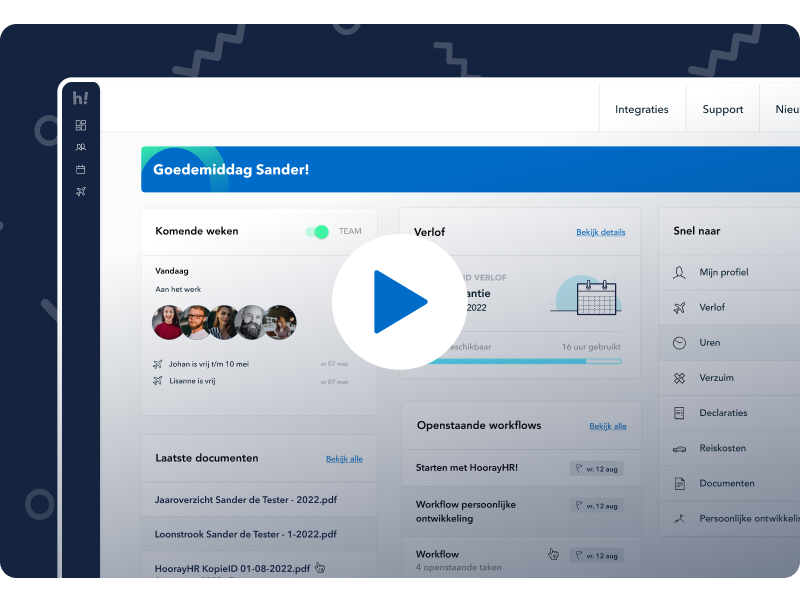
More and more organizations are realizing that a strong employer brand is essential to attract and retain employees. With HoorayHR, you can personalize your own environment. This way, you ensure that the HR tool from HoorayHR fully aligns with your preferences and employer branding. For example, you can upload your company logo and adjust the color settings to match your brand style.
Add your own company logo
As the admin of a HoorayHR environment, you can upload a company logo. The logo will be visible in all employee accounts, creating a recognizable environment for your team.
Adjust your color settings
By changing the color settings, HoorayHR perfectly matches your employer brand. Choose from one of our standard colors — we believe they look great in our layout. Of course, you’re also free to pick your own brand color. Simply select a color, and the entire color scheme will update. You’ll notice that the app experience aligns much more closely with your branding.
Create your own templates
With HoorayHR, you can create custom templates — for example, document templates like employment agreements, loan agreements, or other forms. Based on a template, a new document can be generated for your employee in less than one minute. You can also add templates for reports or workflows. Looking for inspiration? Check out our template gallery with 40+ templates.
Want to know more or have questions?
Do you want to learn more or have questions about changing the color settings, uploading a logo, or working with templates? Feel free to contact us via the support page.